Focus Your Roblox Thumbnail Maker Scene
Give the Roblox Thumbnail Maker one clear action; let the AI Thumbnail Maker establish the scene.
Explore the Roblox Thumbnail Maker
Trusted by 10,000+ game creators
Create game art with our Roblox Thumbnail Maker. Refine it, then download.
7 check-ins: 210 credits. Invite a friend who buys their first plan and you both receive 300 extra credits. Rewards expire after 30 days.
Ideas in Pictures
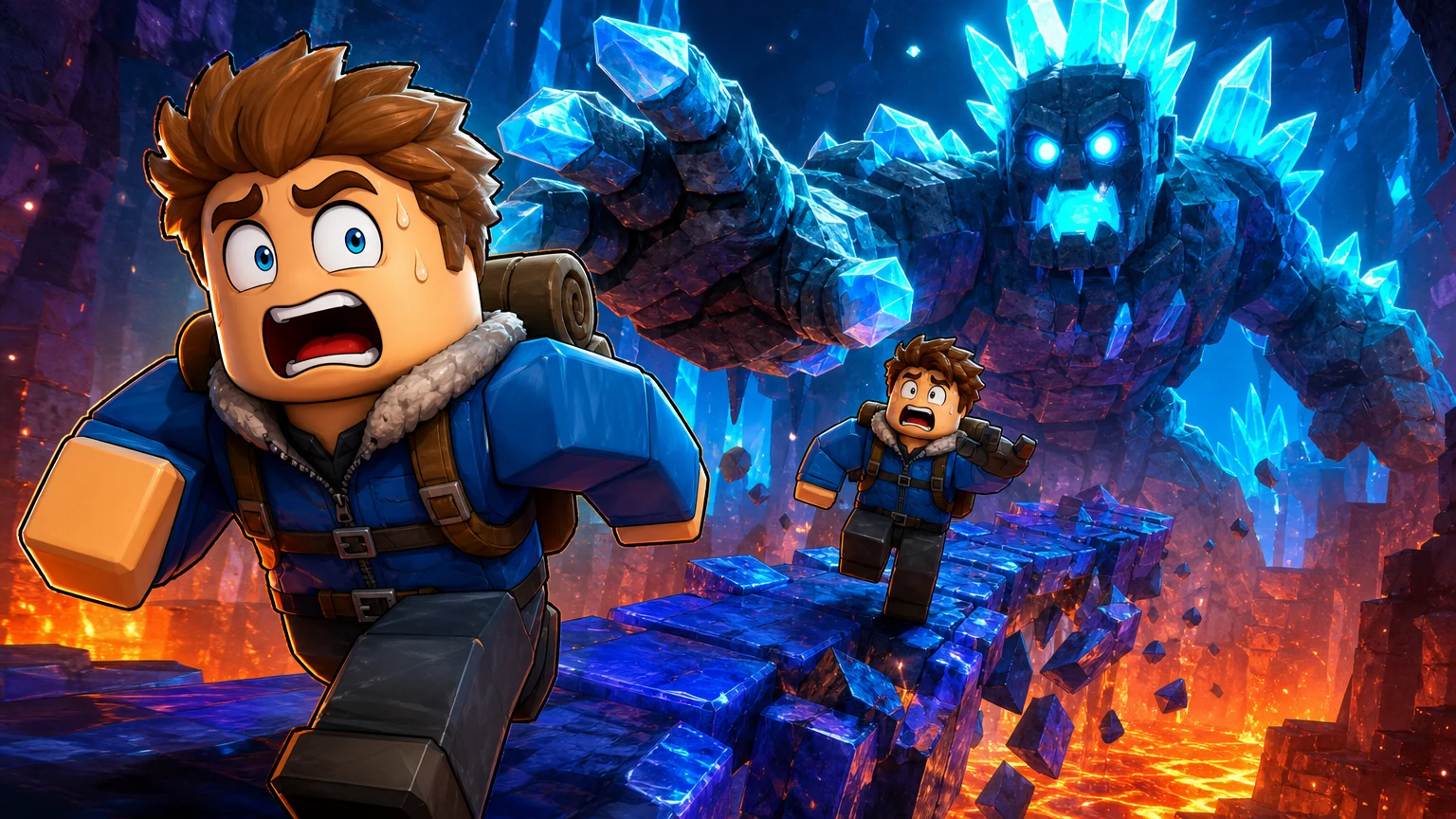
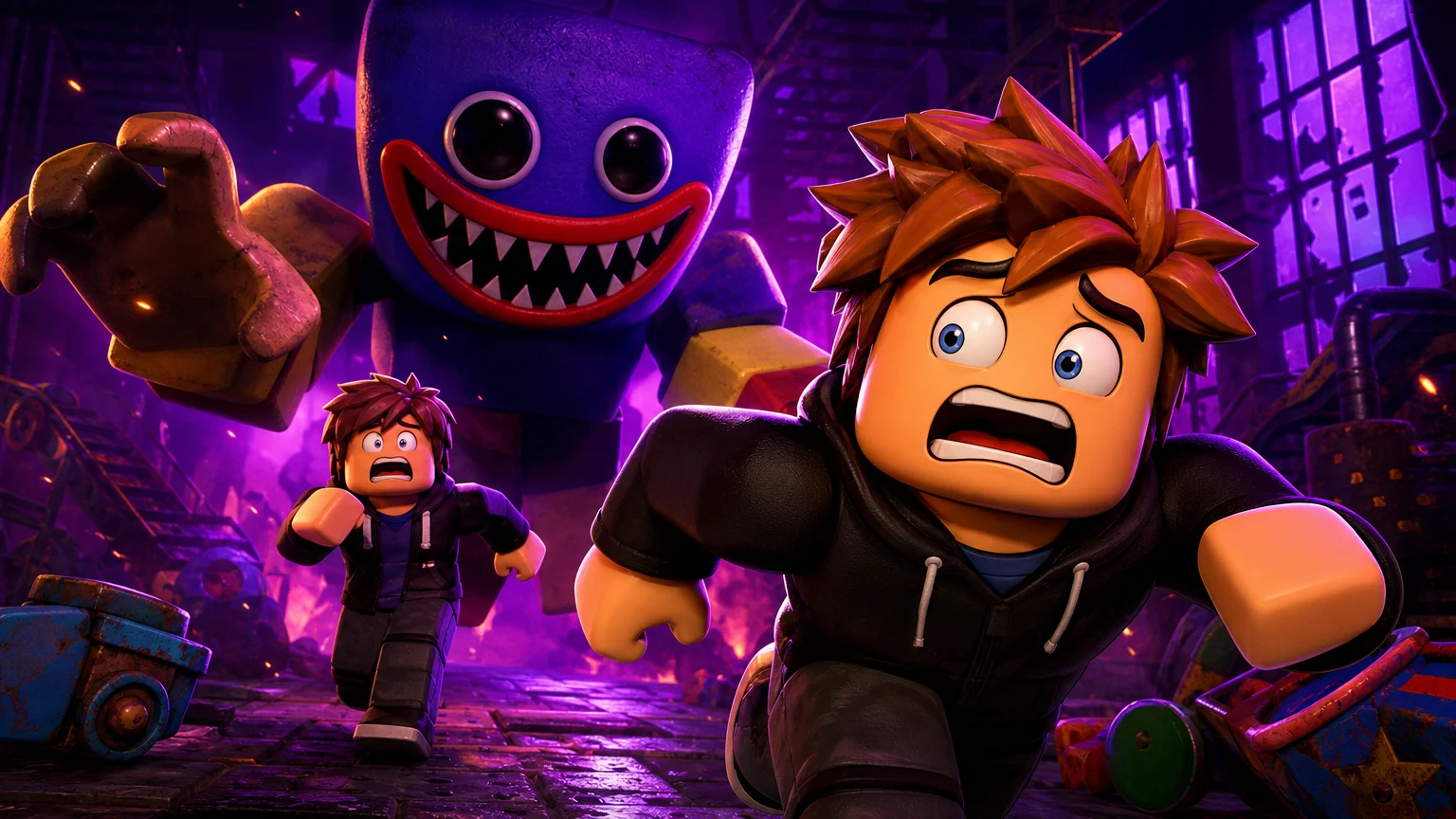
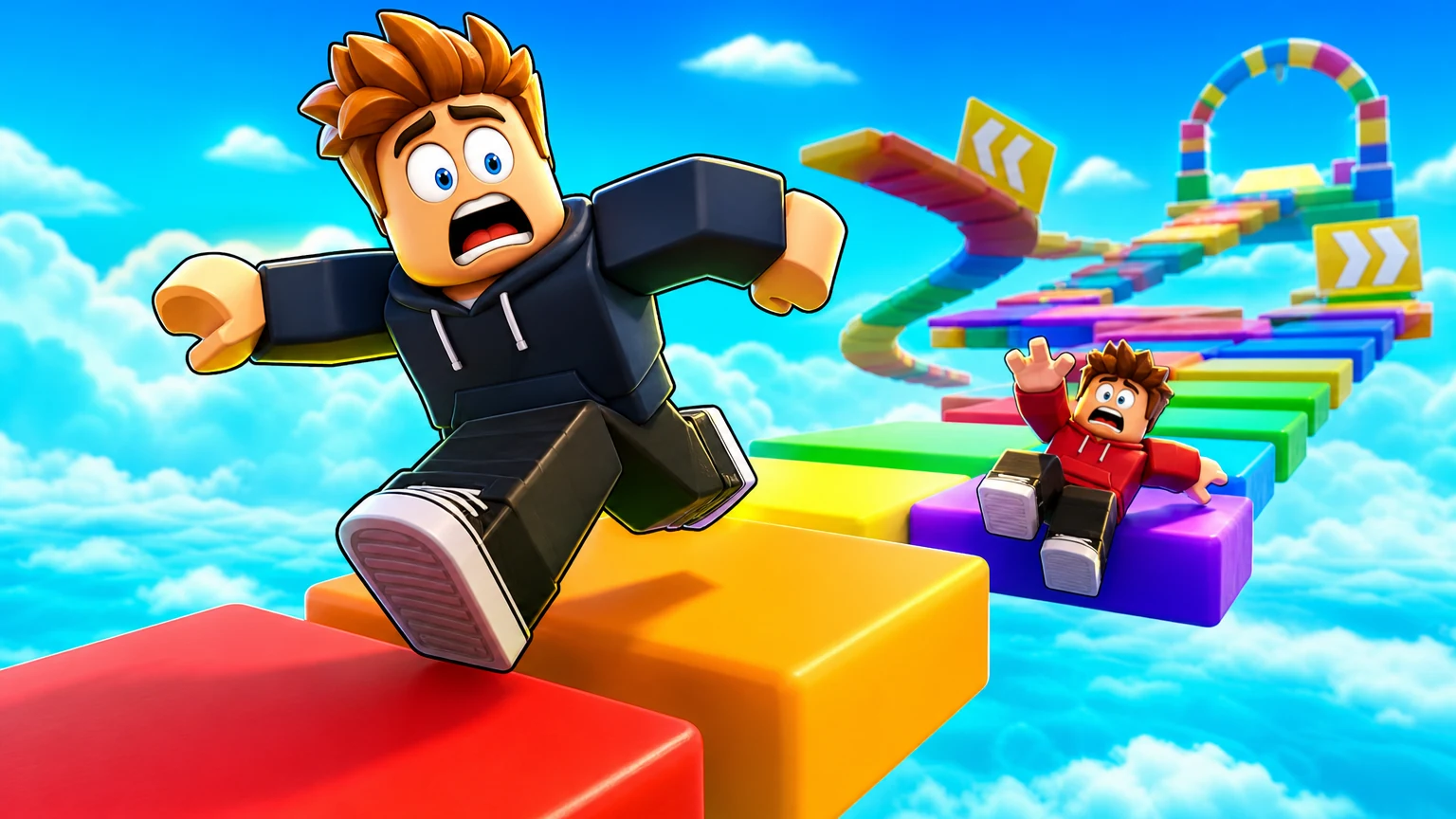
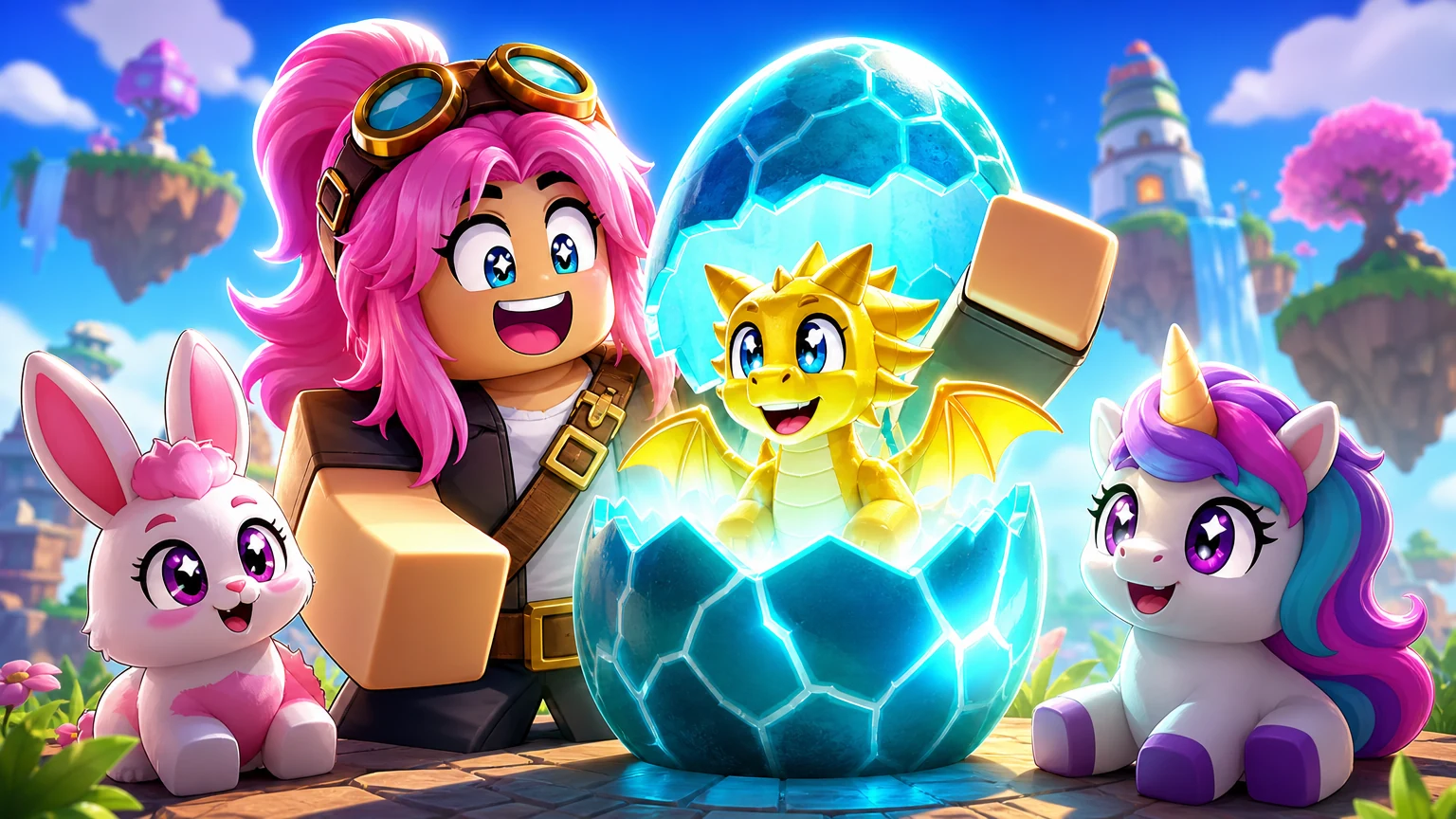
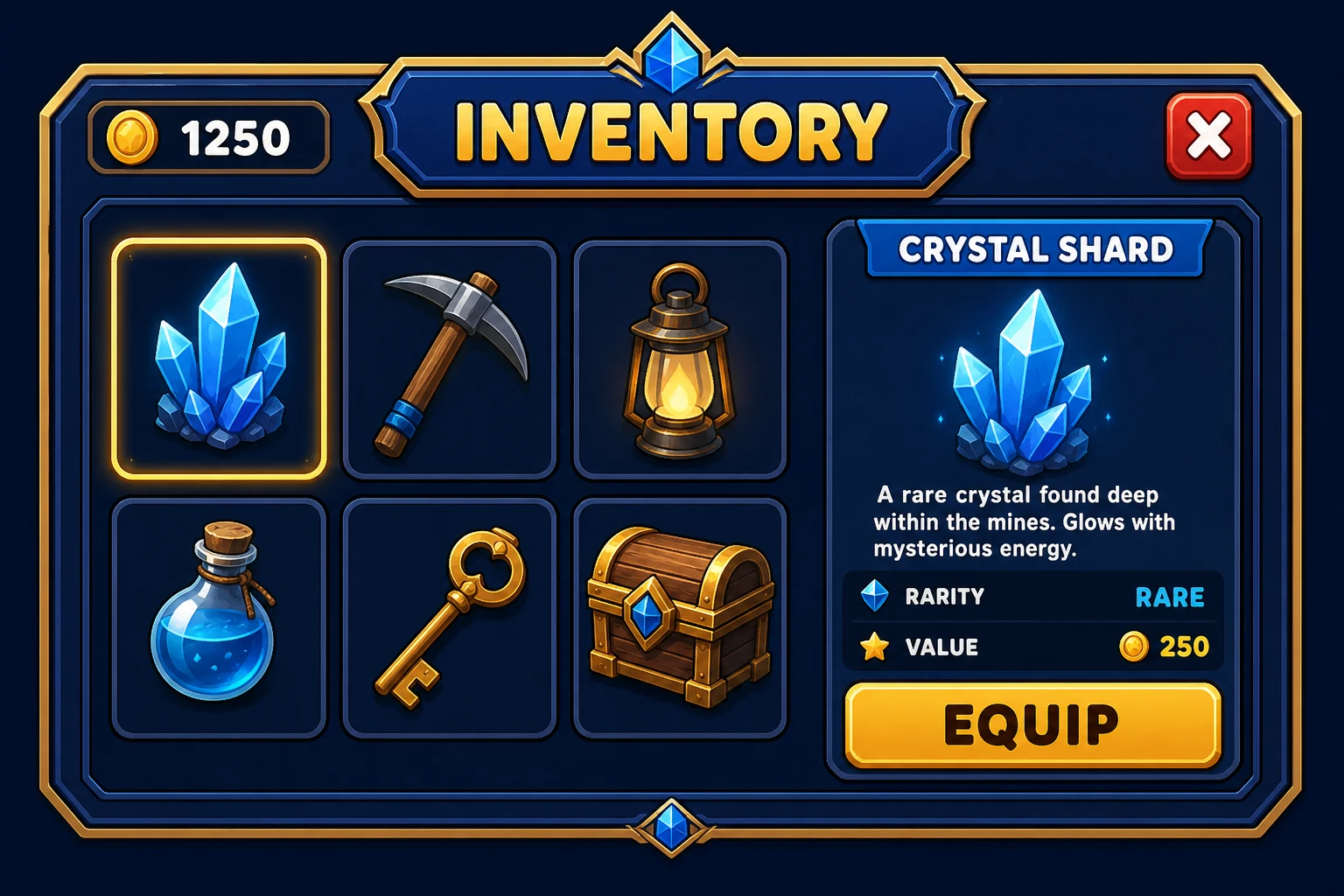
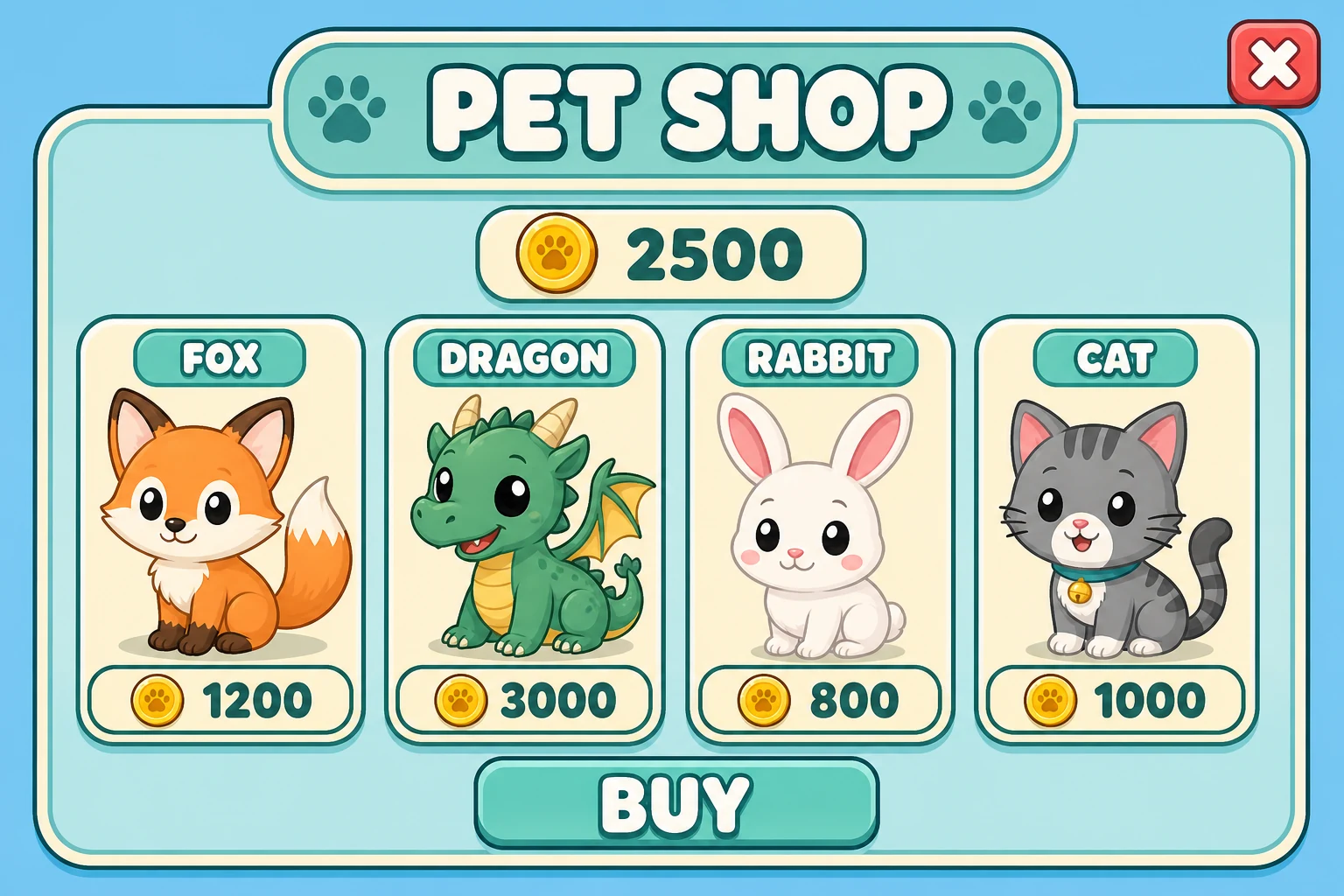
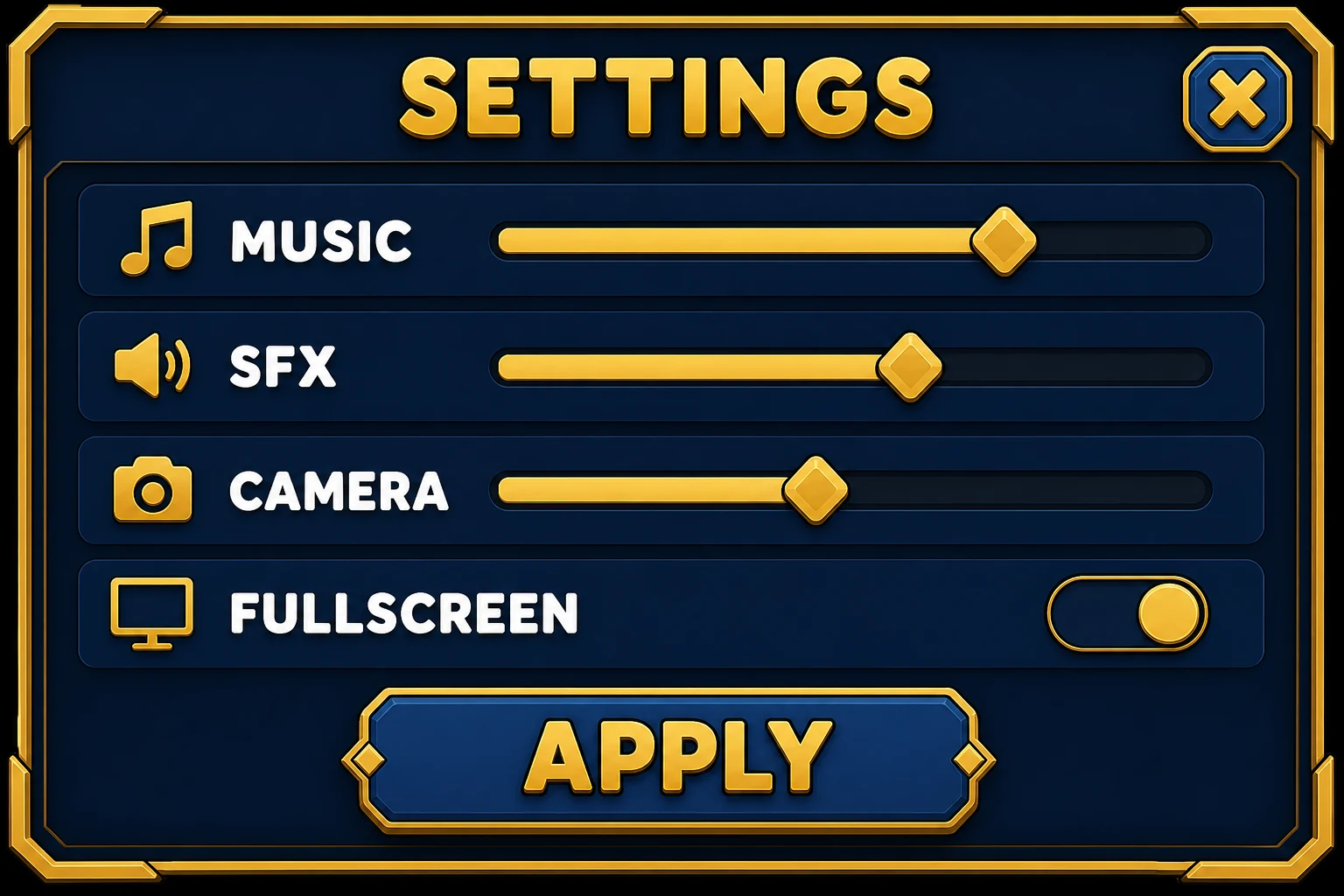
Explore Roblox Thumbnail Maker scenes and Roblox GUI Generator artwork. Compare framing, contrast, and mood before choosing your next AI Thumbnail Maker brief.
Your Creative Controls
Start with the Roblox Thumbnail Maker or Roblox GUI Generator. Give the AI Thumbnail Maker a scene, style, and references to guide the result.
Give the Roblox Thumbnail Maker a style: blocky, voxel, low-poly, or cinematic. Match your AI Thumbnail Maker scene with Roblox GUI Generator artwork.
Make the First Look Count
Your Roblox Thumbnail Maker image has little space to tell a story. Focus the AI Thumbnail Maker on one character and challenge. Match the artwork with your Roblox GUI Generator direction.
Give the Roblox Thumbnail Maker one clear action; let the AI Thumbnail Maker establish the scene.
Judge your AI Thumbnail Maker image at card size. Keep your Roblox Thumbnail Maker subject recognizable.
Match Roblox Thumbnail Maker colors and shapes with your Roblox GUI Generator artwork for a consistent world.
Change the Roblox Thumbnail Maker mood, then compare. Use the AI Thumbnail Maker to explore alternatives.
From Brief to Image
Use the Roblox Thumbnail Maker in three steps: choose direction, describe the moment, review. Apply the same focused approach to your Roblox GUI Generator brief.
Choose Roblox, Minecraft, Unity, or Fortnite-inspired styling in the Roblox Thumbnail Maker. Match the AI Thumbnail Maker theme to your game and Roblox GUI Generator artwork.
Give the AI Thumbnail Maker an action: “an explorer discovering a glowing door.” Keep your Roblox Thumbnail Maker brief specific.
Inspect your Roblox Thumbnail Maker result, request edits, and save. Compare its style with your Roblox GUI Generator artwork.
Recommended upload settings: PNG or JPG, 16:9, ideally 1920 × 1080.
Roblox Creator Hub guideImport images with the ForgeGUI Roblox plugin, or create them through ForgeGUI MCP.
For Your Next Release
Introduce prototypes and updates with the Roblox Thumbnail Maker. Give the AI Thumbnail Maker a focused visual story, then carry your colors and shapes into the Roblox GUI Generator for matching interface concepts.
Use the Roblox Thumbnail Maker for obbies, simulators, tycoons, or horror; pair scenes with Roblox GUI Generator artwork.
Explore voxel scenes in the AI Thumbnail Maker. Choose Minecraft-inspired Roblox Thumbnail Maker styling.
Pair Roblox GUI Generator interface concepts with Roblox Thumbnail Maker artwork while your prototype takes shape.
Test a Roblox Thumbnail Maker direction yourself before commissioning artwork. Refine the AI Thumbnail Maker result.
In the Creator's Workflow
See how creators develop Roblox Thumbnail Maker launch concepts, pair Roblox GUI Generator artwork, and review AI Thumbnail Maker images for updates.
This is the first thumbnail draft I've felt really excited to finish 😭 The palette took a few attempts to get right. I edited the backdrop and repositioned the title myself afterward. Starting from an image instead of an empty canvas made it much easier to decide what needed changing next.
Needed a thumbnail, then stayed to try menu designs too. Unexpectedly fun to explore lol
Lo uso para explorar opciones antes de dibujar. A veces toca repetir, pero una propuesta visual me ayuda a decidir cómo empezar.
Getting an image helps me figure out where to take the design. I still handle the details, especially lettering; more text controls would be nice. Last time I compared three moods for a thumbnail, chose a favorite, and added the words myself. Those options made the decision simpler.
My first game cover is finished! Pretty happy with this one :)
Für Entwürfe finde ich es praktisch. Nach zwei oder drei Versuchen passt meistens die Richtung.
When I'm stuck on colors, I compare different palettes here. Some drafts miss the mark, but one usually gives me a useful place to start designing.
做缩略图时先试几组配色,比盯着空白画布有思路多了哈哈,方向定了再修细节。
My menu idea was vague at first. Comparing several visual drafts helped me see which direction I wanted to build for the game.
Second attempt and the mood finally clicked for me ✨
Mi aiuta a mettere giù le idee. Rifinisco ancora tutto a mano, però partire da una base è più semplice.
サムネの下描き用です。配色を見比べて、お気に入りを探すのが楽しい😊
Fantasy menus are my main reason for using it. Some drafts needed redoing, but I've saved several promising ones.
썸네일에 어울리는 색을 찾을 때 켜요. 몇 가지 시도해 보니까 마음에 드는 분위기가 자연스럽게 잡히더라고요 ㅎㅎ
Told myself I'd try one last idea. Somehow my whole evening disappeared again haha
Start Free
Explore the Roblox Thumbnail Maker with free credits. Try the Roblox GUI Generator for interfaces or develop another AI Thumbnail Maker scene.
Claim daily credits for your Roblox Thumbnail Maker projects. One reward per local calendar day; missed days never reset progress.
Invite a friend to try the Roblox Thumbnail Maker. When they register through your link and buy their first plan, you each earn 300 credits, reversed if refunded.
Choose credits for private Roblox Thumbnail Maker projects and Roblox GUI Generator artwork. Keep connected edits, saved history, and high-resolution AI Thumbnail Maker downloads within your monthly allowance.
Billed $95.88 yearly
Save US$107 compared to paying monthly
1,000 credits/Month
up to 100 images/Month
Billed $239.88 yearly
Save US$120 compared to paying monthly
3,000 credits/Month
up to 300 images/Month
$5.99 / creator / month
Billed $719.88 yearly
Save US$839 compared to paying monthly
10,000 credits/Month
up to 1,000 images/Month
Any Questions? Email: support@forgegui.dev
Pay safely and securely with


 More
Before You Create
Get practical answers about the Roblox Thumbnail Maker, Roblox GUI Generator, references, editing, credits, and preparing images for your game.
A Roblox Thumbnail Maker turns a scene description or visual reference into artwork for a game thumbnail. ForgeGUI keeps style selection, revisions, history, and downloads together. Its MCP connection also supports GUI artwork, avatars, icons, classic clothing textures, 3D models, instrumental music, sound effects, and R15 animations through Claude or Codex. Each request produces one result for review.
Tell the Roblox Thumbnail Maker who, what, and where. Select a style, add references, then generate. Review your Roblox Thumbnail Maker result and request changes before downloading.
Guide the AI Thumbnail Maker with action, mood, camera view, or references. Improve your Roblox Thumbnail Maker composition through edits. Images, history, files, and credit activity stay in your account.
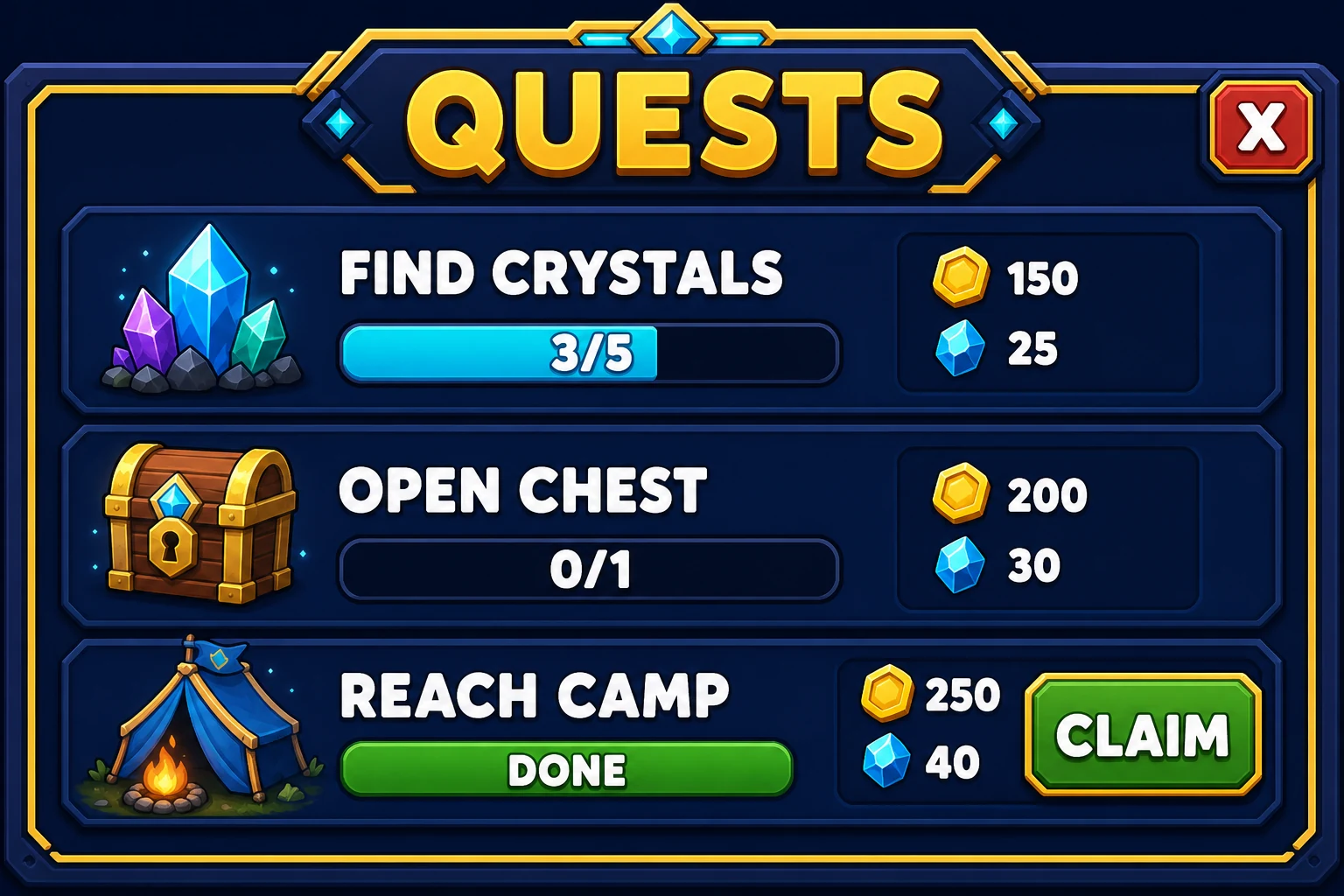
The Roblox GUI Generator creates HUDs, menus, buttons, inventory cards, shop panels, quest logs, bars, counters, frames, badges, and icons. Pair these with Roblox Thumbnail Maker scenes. Outputs aren't functioning interfaces; character skins aren't supported.
Give the Roblox GUI Generator a screenshot, sketch, or mood board. Identify features to retain, then adjust colors, borders, spacing, or emphasis. Match these choices with your Roblox Thumbnail Maker scene.
The AI Thumbnail Maker offers Roblox, Minecraft, Unity, and Fortnite-inspired styles. Choose your Roblox Thumbnail Maker direction for the project; these independently created presets are not official platform products.
Roblox Thumbnail Maker results typically take a few minutes. References, edit complexity, and provider demand affect the wait, so a more involved request may need longer. Completion times vary.
Yes. Use available free credits to try the Roblox Thumbnail Maker. A Thumbnail or GUI result costs 10 credits. Check the displayed reward conditions and plan details before choosing additional credits or a trial.
The Roblox Thumbnail Maker returns one thumbnail per request. To explore alternatives, edit that result or start another generation and compare your saved images.
No. ForgeGUI and its AI Thumbnail Maker are independent of Roblox, Minecraft, Unity, Fortnite, Epic Games, and Microsoft. Platform-inspired styles do not indicate an official partnership.
Review your Roblox Thumbnail Maker output against the platform's publishing rules and any relevant trademarks or content restrictions. You can use generated images in your projects; checking them remains your responsibility.
Give the Roblox Thumbnail Maker a character, action, emotion, setting, and genre. Try: “a nervous explorer opening a glowing door inside an abandoned castle.”
Style presets guide shapes, materials, and staging. The Roblox Thumbnail Maker uses blocky characters for Roblox-inspired scenes, voxel forms for Minecraft, low-poly settings for Unity, and cinematic action for Fortnite-inspired artwork.
Start a Roblox Thumbnail Maker brief with clear references. Explore the AI Thumbnail Maker result, or try the Roblox GUI Generator for interface artwork.
Start Free